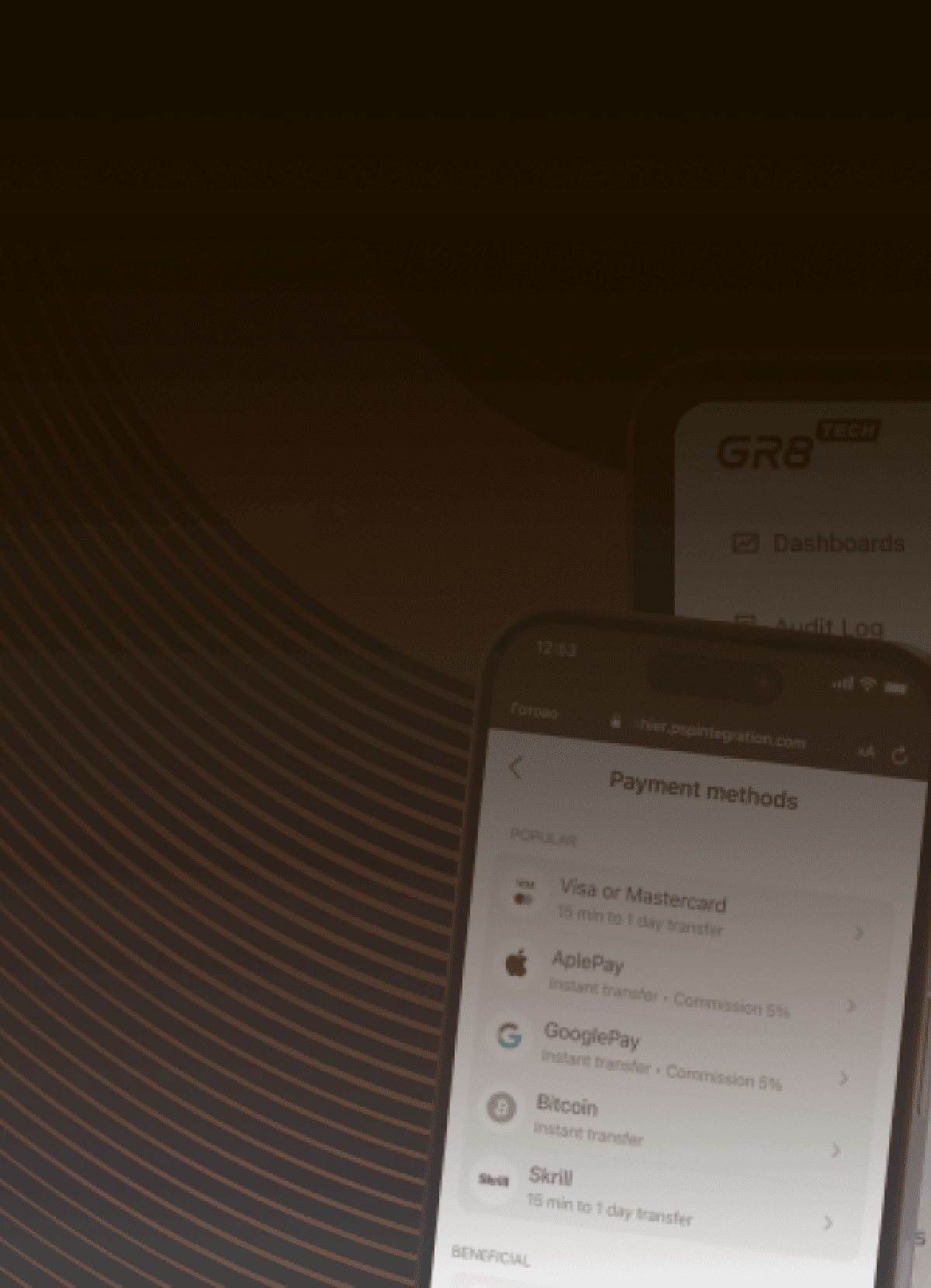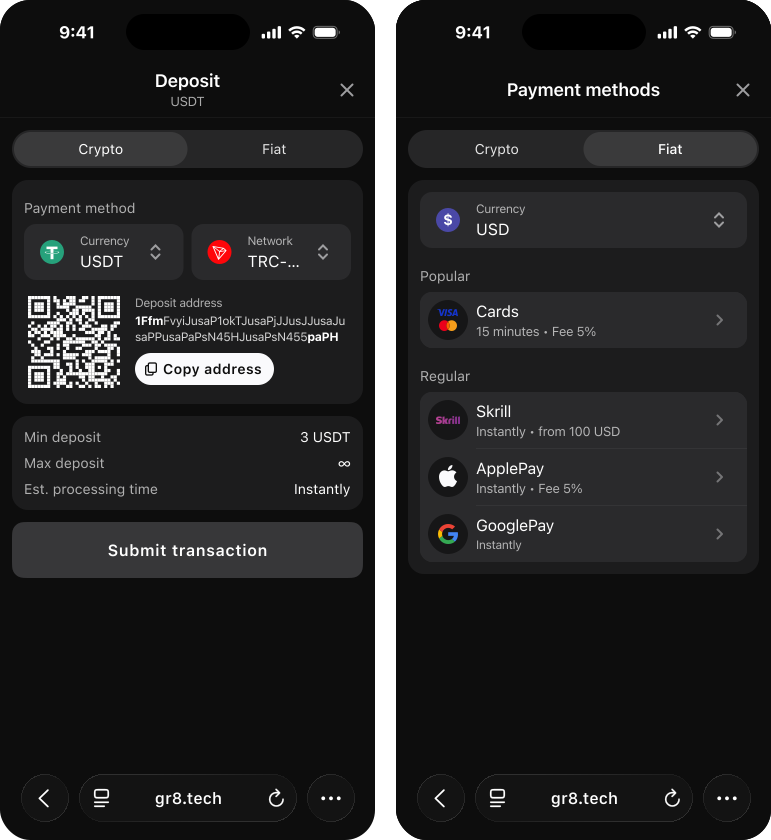
The Payment Gateway supports multi-currency Payment Widgets. This allows players to make deposits or withdrawals in different currencies within the Payment Widget. Players can select or change currencies directly in the Payment Widget. For each currency, up-to-date information will be displayed on active payment methods, their limits, transaction processing times, info blocks, cashback, bonuses, etc.
The multi-currency Payment Widget can only be configured on a multi-currency project. The configuration of a multi-currency project is made via a request to the Platform team, and the configuration of the Payment Widget is made via a request to the Payment Gateway.
The Payment Widget opens in the player's registered or selected currency in their wallet. If there are crypto and fiat currencies, the Payment Widget displays tabs for Crypto and Fiat.
If the project uses only crypto or fiat currencies, the Payment Widget is displayed without separate Crypto and Fiat tabs; only the currency selector is shown.
Payment Gateway's internal logic allows for clearly and correctly dividing which currencies are traditional fiat currencies and which are cryptocurrencies. This ensures currencies are sorted correctly in the Crypto and Fiat tabs.
Tab Сrypto always appears first on the Payment Widget. If a player opens the Payment Widget in cryptocurrency for the first time and then switches to the Fiat tab, the tab will always open in USD. If USD is not available, then it will open in the first fiat currency that we received on Init.
The Fiat and Crypto tabs, as well as the currency selection, are displayed when the player first opens the Payment Widget or selects a payment method for deposit or withdrawal.
Currency logos are added by the Payment Gateway. Adding a logo to a specific currency is only possible via a Jira Service Desk request.
Tab Crypto always has the same UI/UX. Display of currency selector and network selector for each currency. The networks for each currency are the payment groups that are configured for each currency. It is necessary to select the currency and network. After that, the player will see all the necessary information to top up in crypto within a specific cryptocurrency and network.
The Tab Fiat is displayed according to the payment group configuration. Accordingly, each currency may have its own set of payment groups, depending on whether grouping is configured, the arrangement, how many there are, etc.
For each currency, its own payment groups are displayed with their settings (limits, required fields, etc.), info blocks, cashback, bonuses, and more. That is, all available current functionality works for each currency. When a player changes currency, the most up-to-date information is requested for each currency, including active payment methods and otherwise.
On this page
We offer an online casino platform that combines scalability, speed, and customization. With a focus on engagement and protection against fraud, our platform will be your main revenue generation tool.
Plug in ULTIM8 Sportsbook iFrame and focus on profits — we handle the rest. With managed trading, proven risk controls, and AI-driven content tailored to your players, no manual updates needed.